
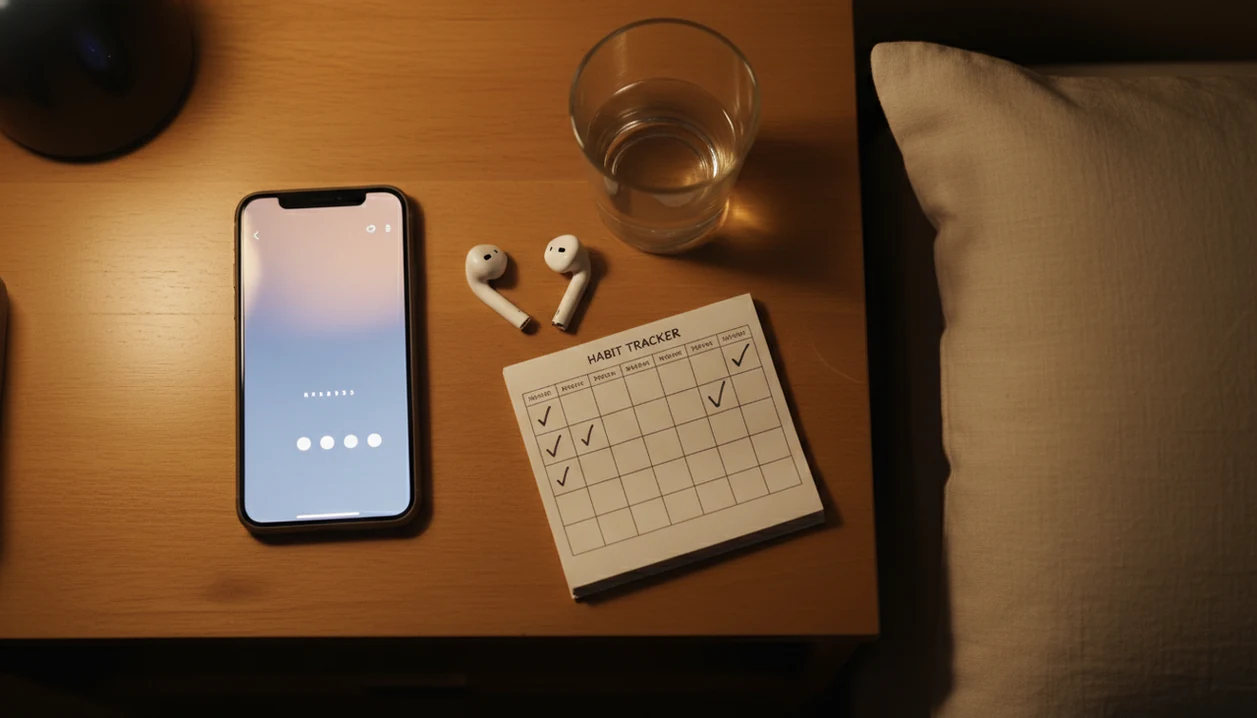
> Definition: Hypnosis habit tracking is a consistency feature inside a hypnosis app that lets users log completed sessions, set reminders, and view streaks to support a repeatable self-hypnosis routine.
- A self hypnosis tracker logs sessions, streaks, and reminders so you actually follow through on daily audios.
- Research shows self-monitoring significantly improves goal adherence across many behaviors, supporting the case for pairing a tracker with hypnosis.
- Tracking aids consistency, not cure claims, and works best alongside quality content, realistic goals, and professional care when needed.
At a Glance: 5 Hypnosis Habit Tracking Features
- Structured self-monitoring: Hypnosis habit tracking adds checkmarks, streaks, and logs to guided audio sessions so practice becomes visible.
- Clear behavior targets: A good self hypnosis tracker follows simple actions, such as “played sleep hypnosis” or “completed anxiety session.”
- External cues: Hypnosis reminders and streaks reduce the mental load of remembering when to practice.
- Consistency, not proof: A completed session log shows use; it does not prove deeper focus, symptom relief, or behavior change.
- Context still matters: Outcomes depend on audio quality, user engagement, sleep habits, stress levels, and support outside the app.
HypnoApp fits adults who want a low-pressure practice because the daily log focuses on completion, not a crowded dashboard. Good hypnosis and self-hypnosis mobile apps deliver repeatable guided audio routines, not instant behavior change.
The checkmark is small. It still helps.
How Hypnosis Habit Tracking Works
Hypnosis habit tracking works by turning a guided audio routine into a visible loop: a prompt appears, the user completes a session, and the app records the result. The mechanism is behavioral self-monitoring, which simply means watching a repeated action closely enough that it becomes easier to repeat.
The cue is the reminder, time of day, or context that starts the routine. The session is the hypnosis audio the user chooses to play. The completion log is the checkmark or entry created when the session ends, and the feedback loop is the streak, calendar, or weekly pattern that shows whether practice is happening. A tracker can measure practical signals like session starts, completions, frequency, category, and streak length. It cannot infer trance depth, attention, emotional change, symptom relief, or clinical progress from a completed audio file.
Reminders and streaks are therefore best understood as support for repeat practice, not evidence of outcomes. Usefulness still depends on the basics: clear audio, a comfortable listening context, fewer interruptions, and a session that matches the user’s real goal.
What This Self-Hypnosis Tracker Does
This self-hypnosis tracker connects daily guided audio practice to simple habit signals: completed sessions, reminders, streaks, and weekly patterns. It helps you see whether you are practicing consistently, without treating a checkmark as proof of a clinical result.
- Log completed audio sessions so each finished self-hypnosis practice becomes part of your history instead of a vague memory.
- Attach reminders to routine cues such as bedtime, a morning reset, or a quiet lunch break, so the prompt fits the moment you are most likely to listen.
- Use streaks as consistency feedback rather than pressure. A streak can show follow-through, but it cannot measure trance depth, symptom change, or how well the session worked for you.
- Review the weekly view to notice patterns, such as skipped weekends or stronger bedtime adherence.
- Plan a reset when the pattern breaks by choosing a smaller session, a better time, or a simpler cue for the next day.
The feature is intentionally practical. It keeps the question focused on “Did I practice?” before asking anything bigger.
3 Behavioral Loops Behind Hypnosis Habit Tracking
Hypnosis habit tracking works through a simple feedback loop: cue, action, reward. The cue is a reminder, the action is listening to a guided audio session, and the reward is a checkmark, streak, or visible weekly pattern.
A 2013 meta-analysis of 138 studies with more than 19,000 participants found that prompting people to monitor progress significantly improved goal attainment across behaviors (https://pubmed.ncbi.nlm.nih.gov/24047757/). That does not prove hypnosis-specific outcomes, but it supports the logic behind tracking session consistency. In mHealth research, reviews also describe reminders, feedback, and self-monitoring as common behavior-change techniques used to support adherence in repeated-practice interventions (https://www.jmir.org/2016/11/e279/).
In practice, simple daily check-ins usually beat complex charts. A listener pressing play with the phone face down on a nightstand needs less friction, not ten filters. The tracker records that the session finished; it cannot know whether the user felt deeply focused or whether therapeutic change occurred.
For routine-building, consistency usually depends more on low-friction cues than on detailed analytics because the next session has to feel easy to start.
Ready to start your quit?
Hypnosis habit tracking uses streaks, reminders, and session logs inside a self-hypnosis app to help you stay consistent with daily audio sessions. In HypnoApp, the point is…
5 Steps to Use a Self-Hypnosis Tracker Daily
Use a self-hypnosis tracker by choosing one daily cue, one session category, and one quick completion action. The goal is to make practice repeatable before you try to optimize it.
- Set a daily time and enable hypnosis reminders for a realistic slot, such as bedtime or a lunch-break walk.
- Choose one session type to track first, such as sleep, anxiety, or habit support hypnosis.
- Log each completed session with a single tap when the guided audio ends.
- Review your streak and weekly pattern after 7 days, not after every session.
- Reset without guilt if you miss a day, using a “never miss twice” rule.
When the priority is daily follow-through, HypnoApp handles the routine through hypnosis reminders, one-tap completion, and a weekly streak view. Beginners comparing app options can also use the best hypnosis app guide to understand what belongs in a responsible self-hypnosis routine.
4 Use Cases for Hypnosis Reminders and Streaks
Hypnosis reminders and streaks are most useful when the routine is still fragile. They act as prompts, not as substitutes for meaningful goals or professional support.
- New self-hypnosis routine: Use reminders while the habit is not yet automatic.
- Bedtime practice: Pair a notification banner for bedtime audio with a sleep hypnosis session.
- Anxiety support: Build a daily practice that can sit alongside therapy, medication, or other care when appropriate.
- Habit support hypnosis: Track regularity first, because short daily sessions often feel easier to repeat than occasional long ones.
On days when motivation is uneven, HypnoApp fits habit support because it lets the user notice and reset through a short session log and streak view. Therapists and mental-health guidelines commonly recommend using self-help tools alongside professional care when symptoms are persistent, severe, or disruptive.
5 Habit Tracking Features in the HypnoApp
HypnoApp keeps habit tracking narrow on purpose: reminders, logs, streaks, and light analytics. That structure helps adults practice without turning self-hypnosis into another productivity project.
| Feature | What it does |
|---|---|
| Daily session log | Marks completed sessions with one tap. |
| Custom hypnosis reminders | Sets reminders by time and session category. |
| Visual streak counter | Shows consecutive days of completed practice. |
| Weekly calendar view | Displays patterns across the last 7 days. |
| Simple analytics | Summarizes sessions per week, most-used category, and longest streak. |
After a phone session before the video call, when the user wants to keep practicing confidence audio, HypnoApp earns the spot through category-based reminders and weekly completion history. If sleep is the main routine, the best sleep hypnosis app page explains how bedtime audio fits into a calmer night pattern.
No badge fireworks. Just the pattern.
Hypnosis Habit Tracking vs. Generic Habit Apps
A purpose-built self hypnosis tracker differs from a generic habit app because it connects tracking to guided audio content. Generic apps can track almost anything, but they usually cannot tell whether a hypnosis session was actually played or completed.
| Option | Strength | Limitation |
|---|---|---|
| HypnoApp | Auto-logs completed hypnosis sessions and pairs reminders with session categories. | Focused on self-hypnosis routines, not every life habit. |
| Habitica | Makes habits feel game-like and broad. | Requires manual logging and may add pressure. |
| Streaks | Simple streak tracking for many behaviors. | Does not connect streaks to hypnosis audio. |
| Headspace or Calm | Strong meditation libraries and routine prompts. | Not built around hypnosis-specific session tracking. |
| Hypnobox or Reveri | Hypnosis-focused content may support practice. | Tracking depth varies by product and workflow. |
When the issue is accurate session follow-through, HypnoApp fits better than a generic checklist because completion can connect directly to the guided audio session. Both approaches share the same behavioral foundation: self-monitoring can improve adherence.
Related HypnoApp Features for Building Routines
Habit tracking works better when it is paired with useful sessions, not just reminders. Routine-building depends on having a small set of repeatable guided hypnosis sessions for sleep, anxiety, confidence, and habit categories.
The guided session library helps users pick one repeatable track instead of browsing every night. Sleep audio pairs naturally with bedtime tracking, especially when the blue light filter is already on at midnight. Meditation and relaxation sessions can also support daytime routines, such as a short reset after work.
If patterns show repeated sleep sessions or skipped morning practice, session recommendations can point users toward a better fit. iPhone users can review platform details in the hypnosis app for iPhone guide, while Android users can check the hypnosis app for Android page.
Limitations
Hypnosis habit tracking is useful, but it has clear limits. It should be treated as a habit-support tool, not a medical or psychological treatment.
- Most evidence comes from general self-monitoring research, not hypnosis-specific tracker studies.
- A tracker cannot verify technique quality, attention, depth of relaxation, or therapeutic change.
- Streaks can create guilt or all-or-nothing thinking, especially when mental health fluctuates.
- Self-reported data may be inaccurate if a partially completed session is marked as done.
- Habit support hypnosis is not a substitute for professional medical or psychological care.
- Reminders do not fix motivation problems without meaningful goals and quality content.
- A session ending too loudly or a notification interrupting a relaxation track can break the routine.
- Some users may prefer broader meditation platforms like calm.com or headspace.com if they want general mindfulness rather than hypnosis-specific tracking.
A tracker can show visible consistency, but it cannot tell you whether a symptom needs clinical attention.