
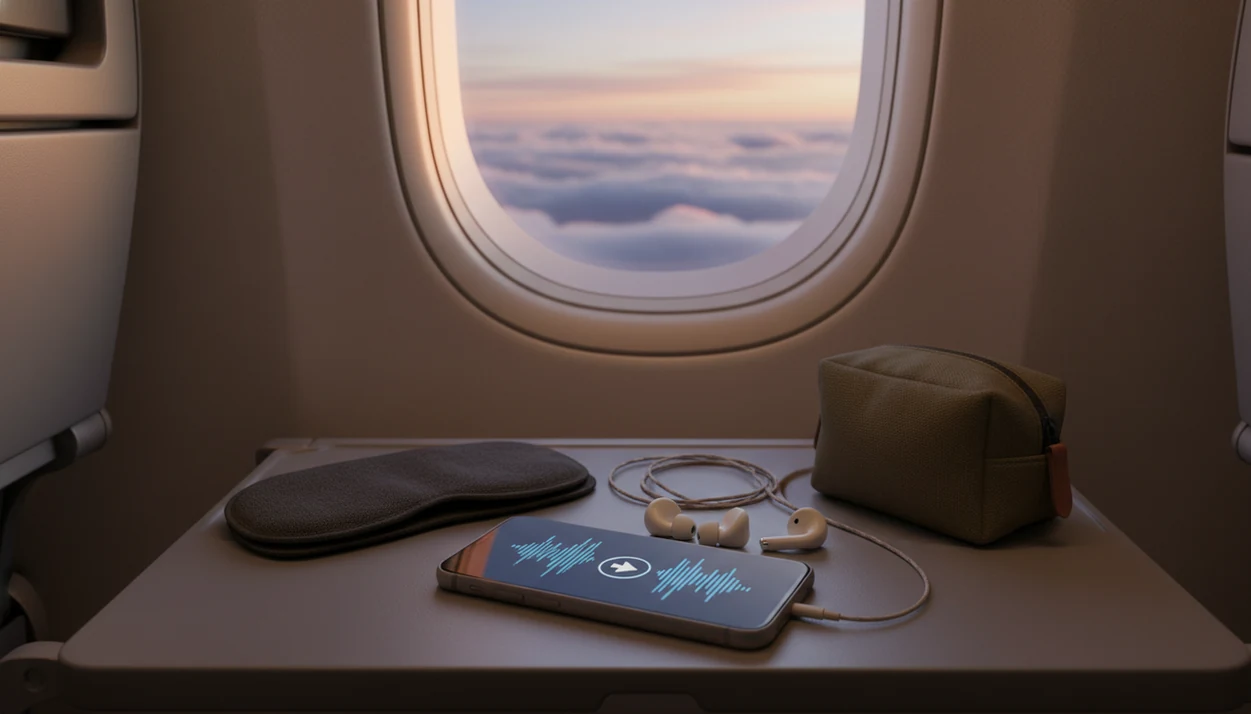
> Definition: Offline hypnosis downloads are pre-recorded guided hypnosis audio files saved to a mobile device for local playback without an internet connection.
What Offline Hypnosis Downloads Actually Are
Offline hypnosis downloads are pre-recorded guided hypnosis audio files saved to a mobile device for local playback without an internet connection. They are a delivery feature, not a separate kind of hypnosis.
In practice, the same narrator, script, pacing, and background sound play whether the session streams or comes from local storage. The difference shows up when a train loses signal or a hotel Wi-Fi login page will not load.
Hypnosis itself is commonly described as a waking state of focused awareness, not sleep or unconsciousness, according to a BMJ clinical review source. The same review notes that people can be taught self-hypnosis for independent use. Good hypnosis and self-hypnosis mobile apps deliver guided attention, relaxation cues, and repeatable routines, not guaranteed medical results or instant personality change.
No magic switch.
How Offline Hypnosis Playback Works
Offline hypnosis playback works by saving the audio file on your device first, then playing that local file without calling a server. That is why airplane mode, dead zones, and data caps do not interrupt a downloaded session.
- The app downloads the guided audio session to phone or tablet storage.
- Playback uses the saved local file, so no Wi-Fi or mobile data is needed.
- The downloaded version should match the streamed version in script, narrator, and audio quality.
- Airplane mode, rural dead zones, and tight data plans are less likely to break the session.
- Hypnosis Downloads, for example, markets more than 1,300 hypnosis audio downloads, so catalog size can vary widely by provider source.
When the issue is unreliable travel Wi-Fi, offline playback helps because the downloaded library keeps sleep, calm, and habit sessions available after the connection drops. A user can press play with the phone face down on a nightstand and avoid waiting for buffering.
How To Use Offline Hypnosis Downloads In HypnoApp
To use offline hypnosis downloads, save the session while you still have a stable connection, then play it from the downloaded library. Test it once before the flight, commute, or low-signal night.
- Open HypnoApp and browse the session library by sleep, anxiety, habit-building, or self-hypnosis.
- Tap the download icon on any session while connected to Wi-Fi.
- Confirm the file is saved to your device storage before you leave the connection.
- Switch to airplane mode or disconnect from the internet.
- Open your downloaded library and press play. No signal is needed.
Travelers looking for a hypnosis app offline benefit when the workflow separates browsing from listening. Browse at home, download over Wi-Fi, then listen from a train seat without checking the signal bars. If you are still choosing a daily app, the best hypnosis app guide covers broader session selection.
When To Use Offline Sleep Hypnosis And Calm Sessions
Offline sleep hypnosis and calm sessions matter most when streaming would interrupt the routine. The common cases are overnight flights, paid hotel Wi-Fi, rural trips, camping, subway tunnels, and repeated nightly listening without extra data use.
Flights And Airport Layovers
On long-haul travel, download hypnosis sessions before boarding and use them in airplane mode. A calm session can help mark the shift from airport noise to rest, especially when the narrator asks you to loosen your jaw and drop your shoulders.
Bedtime With No Signal Interruptions
At bedtime, offline playback lets you keep the phone off-network and reduce notification interruptions. HypnoApp is useful here because sleep audio can stay ready beside the bed, including offline sleep hypnosis for repeated nightly use. For sleep-specific choices, compare session styles in the best sleep hypnosis app guide.
Ready to start your quit?
Offline hypnosis downloads let you save guided hypnosis audio sessions to your phone so you can listen without Wi-Fi or mobile data during flights, hotel stays, and bedtime…
What Downloaded Hypnosis Sessions Look Like In HypnoApp
Downloaded sessions should appear as an offline library organized by goal, so you are not hunting through streamed content while half-asleep. The useful part is having different session types in one saved place.
- Sleep hypnosis: bedtime routines, wind-down tracks, and longer guided audio sessions.
- Anxiety and calm: travel stress, everyday tension, and short reset sessions.
- Habit-building: smoking support, focus practice, confidence, and procrastination themes.
- Self-hypnosis: guided audio for independent practice and low-pressure repetition.
Adults who rotate between sleep and daytime stress support may prefer one offline library that can hold both a bedtime session and a short calm track. The habit streak marked in a notebook still matters, but the saved audio removes one small excuse.
Offline Hypnosis Downloads Vs Streaming And Live Sessions
Offline downloads, streaming, and live hypnotherapy differ mainly in access and personalization. Downloading does not make hypnosis scientifically stronger; it makes the same audio easier to reach.
| Option | Connection needed | Personalization | Main advantage | Main trade-off |
|---|---|---|---|---|
| Offline downloads | No, after saving | Low | Plays in airplane mode and dead zones | Cannot adapt in real time |
| Streaming audio | Yes | Low | No storage planning | Can buffer or fail |
| Live hypnotherapy | Yes, usually | Higher | Practitioner can respond to you | Not on demand or offline |
For frequent travelers, offline downloads are often easier than streaming because the session starts from device storage instead of a hotel router or airplane connection. Live care may be more appropriate when symptoms are severe, complex, or changing quickly. Calm and Headspace also offer downloadable wellness audio in some plans, but pre-recorded files remain less adaptive than a clinician.
Related HypnoApp Features For Travel And Sleep
Offline downloads work better when paired with simple travel and sleep features. A useful setup keeps the session library organized by goal, then lets users return to the same track without rebuilding the routine each night.
A sleep timer helps when you do not want audio running long after the session ends. Background audio options can layer ambient sound under a narrator for people who dislike silence in hotel rooms. Progress tracking can also show whether you are repeating a sleep or habit-support tool consistently. If you are comparing platforms before a trip, the hypnosis app for iPhone page covers iOS-specific use.
Students trying to keep focus between chapters can save self-hypnosis sessions before leaving campus Wi-Fi. Tangled headphones in the backpack pocket, then one short reset.
Evidence For Offline Hypnosis Downloads
The evidence question has two parts: hypnosis may support some symptoms and routines, while offline playback only makes access more reliable. Downloading a session does not make the therapeutic content stronger.
Clinical reviews generally describe hypnosis as a focused, suggestible state that can be useful as an adjunct for issues such as pain, procedural distress, and some stress-related concerns, depending on the person and the setting. They do not show that every pre-recorded sleep or anxiety track will work, or that an app can replace assessment, diagnosis, or tailored care. For offline files, the evidence is more practical: saved audio removes buffering, weak Wi-Fi, and data limits from the moment you want to listen.
A sensible way to judge offline hypnosis downloads is:
- Separate the hypnosis claim from the download feature.
- Check who created the session and whether the goal is realistic.
- Use offline access for consistency during travel, bedtime, or low-signal routines.
- Compare download options across HypnoApp, Calm, Headspace, and Hypnosis Downloads.
- Seek professional evaluation for severe insomnia, panic, trauma symptoms, or anxiety that disrupts daily life.
Limitations
Offline hypnosis downloads are convenient, but they are not a shortcut around evidence, medical care, or basic session quality. Reasonable expectations matter more than the download button.
- Offline playback solves connectivity problems, but it does not improve the evidence base for hypnosis.
- Pre-recorded sessions are less personalized than live hypnotherapy.
- Results vary, and audio tracks may offer limited benefit compared with professional care.
- Offline sleep hypnosis is not a substitute for medical evaluation of insomnia, sleep apnea, or severe sleep disruption.
- Session quality depends on creator credibility, voice pacing, and script design, not the download format.
- App-based hypnosis can be overhyped as a quick fix; repeated use and realistic goals matter.
- A notification, loud ending, or low battery can still interrupt a routine if phone settings are not checked first.
People comparing Android options can also review the hypnosis app for Android page. Hypnosis Downloads notes Android support for storing downloads on the device for offline listening source.