> Definition: HypnoApp is a hypnosis app that provides guided hypnosis, self-hypnosis, meditation, and sleep audio sessions for adults seeking relaxation and better habits.
- Works with iPhone audio controls, Focus modes, and offline downloads for uninterrupted bedtime listening.
- Sessions cover sleep, stress, self-esteem, and habit goals, which were common categories across 407 reviewed hypnosis apps.
- No consumer hypnosis app has published clinical trial data, so treat it as a self-help tool, not therapy.
What Works in an iOS HypnoApp at Bedtime
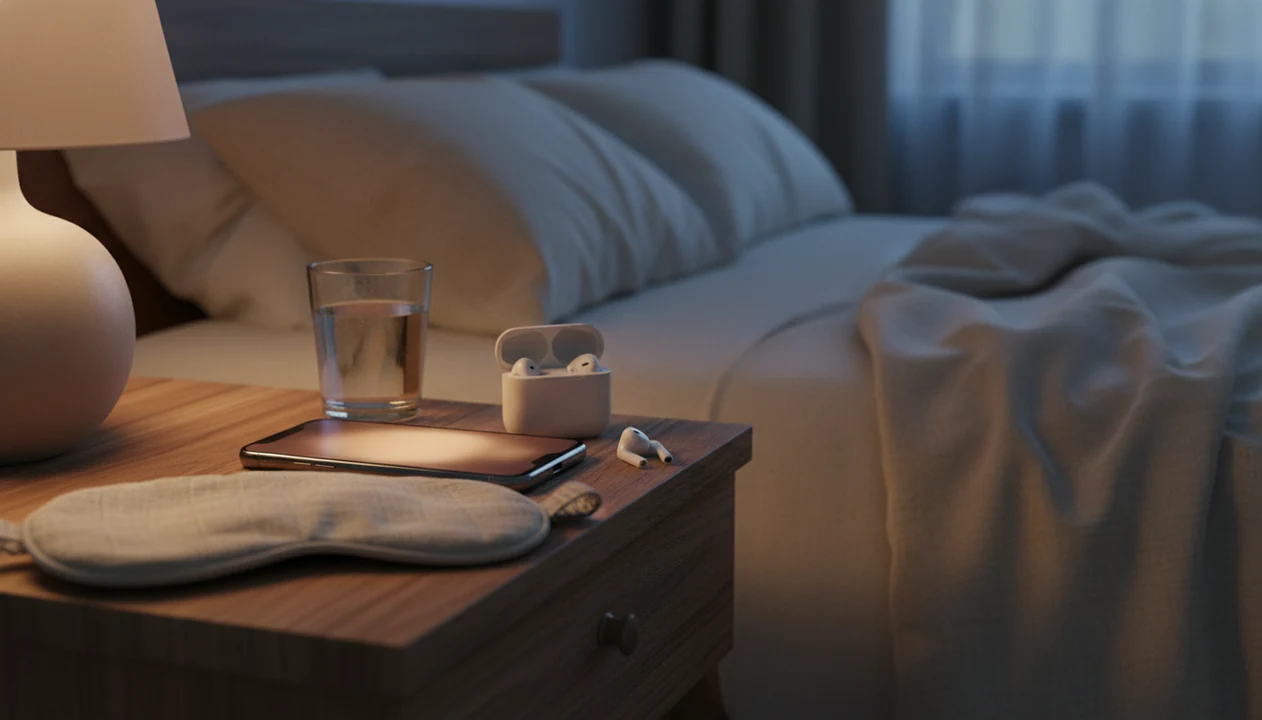
An iOS hypnosis app works best at bedtime when it can keep audio steady, reduce interruptions, and fit the way you already use your iPhone at night. The small details matter when the phone is face down on a nightstand and the narrator asks you to loosen your jaw.
- Background playback: Sessions should continue after the screen locks, so you do not need to keep blue light glowing at midnight.
- Focus mode support: Sleep Focus or Do Not Disturb helps block banners, calls, and app pings during a guided audio session.
- Sleep timer alignment: A timer should match your bedtime routine, especially if you prefer a 20-minute track over a full 45 minutes.
- Bluetooth audio: AirPods, AirPods Pro, and other Bluetooth headphones can make whispered instructions easier to follow.
- Offline downloads: Downloaded sessions let you listen in airplane mode, useful when Wi-Fi drops or you want fewer phone temptations.
For uninterrupted bedtime listening, choose an app that supports iPhone Focus mode, lock-screen audio controls, and offline playback.
What HypnoApp Does on iPhone
HypnoApp on iPhone gives adults a simple way to listen to guided hypnosis, self-hypnosis prompts, meditation-style relaxation, and sleep audio from one place. It is built for self-help goals, not diagnosis, therapy, or medical treatment.
The app pairs prerecorded voice sessions with familiar iPhone features so the experience feels less fiddly at night or during a short reset. Focus mode helps keep calls and notifications out of the session. Lock-screen controls let you pause or adjust volume without fully waking the phone. Bluetooth support makes the narrator clearer through AirPods or other headphones, and downloads let saved sessions play when Wi-Fi is off or you want fewer distractions.
A typical use looks like this:
- Choose a goal such as sleep, stress, confidence, or habit support.
- Download the session if you want offline listening or airplane mode.
- Turn on Focus or Do Not Disturb before pressing play.
- Listen while sitting safely or lying down, never while driving.
- Repeat the tracks that fit your routine.
The main limitation is that prerecorded sessions cannot assess your history or adapt like clinician-led care.
Minimum iPhone Requirements for Guided Hypnosis Sessions
Most guided hypnosis for iPhone works reliably on modern iPhones running recent iOS versions, commonly iOS 15 or newer. You also need enough storage for offline audio, which can add up if you save several long sleep sessions.
In practice, good headphones matter more than a new phone. A bedroom speaker can work, but earbuds usually make the hypnotic voice clearer and reduce room noise. Check Apple Privacy Labels before installing any iOS hypnosis app, especially whether identifiers, contact details, or usage data are collected.
A helpful way to think about it is simple: the iPhone handles playback, storage, privacy prompts, and audio routing; the session quality depends on the script, voice, and how consistently you use it. For a broader comparison of app selection criteria, our best hypnosis app guide covers what to check beyond device compatibility.
How Guided Hypnosis Audio Works on iPhone
Guided hypnosis audio on iPhone usually follows four phases: induction, deepening, suggestion, and awakening. The structure helps attention narrow, the body settle, and the listener become more open to simple suggestions, such as resting earlier or noticing stress before reacting.
A typical session starts with breathing cues and body relaxation. Then the narrator may count down, add music or ambient sound, and offer goal-focused suggestions. You might hear, “drop your shoulders,” and notice your jaw unclench before you realize you were holding tension there.
Not dramatic. Just quieter.
A meta-analysis of 139 randomized controlled trials found a mean effect size of 0.79 for professionally delivered hypnosis, which suggests hypnosis can be clinically useful when properly delivered source. That does not mean prerecorded apps equal therapist-led care. A therapist can assess, adapt, and monitor in real time; an app plays a fixed script.
Good hypnosis and self-hypnosis mobile apps deliver structured relaxation practice and habit cues, not a diagnosis, emergency support, or guaranteed medical treatment.
Ready to start your quit?
A hypnosis app for iPhone delivers guided audio sessions for sleep, anxiety relief, and habit building through your iOS device, with support for headphones, Focus modes, offline…
How to Use the HypnoApp on Your iPhone
Using HypnoApp on iPhone should feel low-pressure: choose a goal, reduce interruptions, listen once, then decide what helped. If you are new and thinking, “Am I supposed to feel hypnotized?” the answer is no; many users just feel relaxed, focused, or sleepy.
- Download from the App Store and open HypnoApp, then review the available session categories.
- Choose a session goal such as sleep, stress, confidence, or habit support.
- Set session length and background sound preferences so the track matches your schedule and listening environment.
- Enable Focus mode or Do Not Disturb before pressing play, especially if notifications usually break your concentration.
- Put on headphones and start the guided session while sitting safely or lying down.
- Review how you feel and save favorites for repeat use in your bedtime routine or lunch-break walk.
When an evening-routine alarm goes off, the next action should be clear: open a saved session, turn on Focus, and press play.
iPhone Sleep Hypnosis app vs Android HypnoApp
An iPhone sleep hypnosis app and an Android hypnosis app can offer the same guided audio, but the surrounding phone controls differ. The practical difference is how each platform handles privacy labels, interruptions, lock-screen controls, and downloaded files.
| Feature | iPhone hypnosis app | Android hypnosis app |
|---|---|---|
| Notification control | iOS Focus modes and Sleep Focus can silence most interruptions | Android Do Not Disturb varies by device maker and settings |
| Privacy disclosure | Apple Privacy Labels summarize data collection in the App Store | Google Data Safety sections show similar disclosures in Google Play |
| Background audio | Usually controlled through iOS background playback rules | Behavior can vary more across Android versions and manufacturers |
| Offline storage | Managed through iPhone storage settings and app downloads | Managed through Android storage settings and app-specific folders |
| Lock-screen controls | Audio controls are familiar and consistent on most iPhones | Controls may vary by launcher, device, and audio permissions |
The right fit for iPhone users who want fewer bedtime settings to manage is HypnoApp, because it works inside the familiar iOS audio and Focus workflow. Android readers can compare platform notes in our hypnosis app for Android guide.
Privacy Labels and Safety in iOS Hypnosis Apps
Apple Privacy Labels help you see what an iOS hypnosis app may collect before you install it. Look for data linked to you, tracking across apps, contact information, identifiers, and usage data.
The category still has a disclosure problem. In a systematic review of 407 hypnosis apps, fewer than 14% included any disclaimer, and 0% reported clinical efficacy testing or described themselves as evidence-based source. That is why safety language matters.
HypnoApp treats sessions as self-help relaxation support, not medical treatment. The distinction is not legal trivia; it sets reasonable expectations before you listen with earbuds tucked beneath a pillow. Therapists and mental-health guidelines commonly recommend professional assessment for severe anxiety, trauma symptoms, psychosis, or dissociation rather than relying on unsupervised audio alone.
If you have a psychiatric diagnosis, a history of severe dissociation, or symptoms that feel unsafe, consult a clinician before using unsupervised hypnosis recordings.
Common Session Goals in a Guided Hypnosis App for iPhone
A guided hypnosis app for iPhone usually organizes sessions by goal, so you can choose the right track without browsing endlessly at night. Across 407 reviewed hypnosis apps, 22.6% focused on weight loss, 20.3% on self-esteem, and 19.9% on relaxation or stress reduction source.
- Sleep and insomnia relief: Sleep sessions use slower pacing, body relaxation, and bedtime cues for restless nights.
- Stress and anxiety reduction: These tracks often focus on breathing, noticing tension, and returning attention to the present.
- Weight loss and habit change: Habit sessions support motivation and routine cues, but they should not promise medical weight outcomes.
- Self-esteem and confidence: Confidence tracks may help before interviews, exams, or presentations.
- Focus and procrastination: Study sessions can support a calmer start when an exam timetable is taped above a laptop.
On days stress builds between meetings, a short guided reset works best when it starts quickly through headphones before you return to work. For sleep-specific comparisons, the best sleep hypnosis app guide goes deeper.
Download the HypnoApp for iPhone
You can download HypnoApp for iPhone from the App Store and start with a free trial before deciding whether it belongs in your routine. Use the first session as a test, not a verdict on hypnosis as a whole.
Choose one goal, turn on Focus mode, and listen when you are not rushed. If the session ending feels too loud or the background sound is distracting, adjust the settings before trying again. Small setup changes can make the second listen much better.
For a direct install path and current access details, use the download hypnosis app page. HypnoApp remains a self-help relaxation tool for adults, not a medical device or substitute for care.
Limitations
HypnoApp can support a relaxation routine, but it has real limits. Set expectations before using any consumer hypnosis audio for sleep, stress, or habit change.
- No consumer hypnosis app has published clinical efficacy data showing validated outcomes in clinical trials.
- Generic audio cannot replicate real-time therapist customization, assessment, or monitoring.
- Hypnosis apps are not regulated as medical devices, so marketing claims are not vetted like clinical treatments.
- iOS notifications, alarms, bad volume settings, or poor headphones can interrupt a session and reduce its usefulness.
- People with psychosis, severe dissociation, unstable PTSD symptoms, or intense panic should consult a clinician first.
- Offline downloads require iPhone storage, and the space needed grows with longer sessions and saved favorites.
- Competitors such as calm.com, headspace.com, and hypnobox.com may offer broader meditation libraries, but that does not prove hypnosis-specific clinical efficacy.
For many adults, self-hypnosis practice is easier to sustain when it is treated as a repeatable routine rather than a cure. If cost is the deciding factor, compare trial options in our free hypnosis app guide.