> Definition: HypnoApp is a hypnosis app that provides guided hypnosis, self-hypnosis, meditation, and sleep audio sessions for adults seeking relaxation and better habits.
TL;DR - Most Android hypnosis apps play pre-recorded audio, not live clinician sessions. - Check privacy policies, disclaimers, and developer contact info before installing. - Use headphones, set a timer, and never listen while driving or operating machinery. - Hypnosis apps support relaxation and habit goals but do not replace medical treatment. - Common goals beyond sleep include weight loss, self-esteem, and stress reduction.
What Works in a HypnoApp on Android
- Most Android hypnosis apps deliver pre-recorded guided audio sessions, not live hypnotherapy with a clinician.
- Common goals include sleep, weight loss, self-esteem, stress reduction, focus, and confidence before events.
- In a systematic review of hypnosis apps, the most common goals were weight loss at 22.60%, self-esteem at 20.30%, and relaxation or stress reduction at 19.90%: https://pubmed.ncbi.nlm.nih.gov/26208778/.
- These apps are self-help tools for adults and should not be treated as clinical treatment.
- Good hypnosis and self-hypnosis mobile apps deliver structured relaxation cues and guided practice, not guaranteed symptom relief.
HypnoApp is a practical Android choice for adults who want guided hypnosis for Android without pretending the phone replaces care. The useful mechanism is simple: choose a session goal, press play, and follow a narrator through breathing, focus, and suggestion.
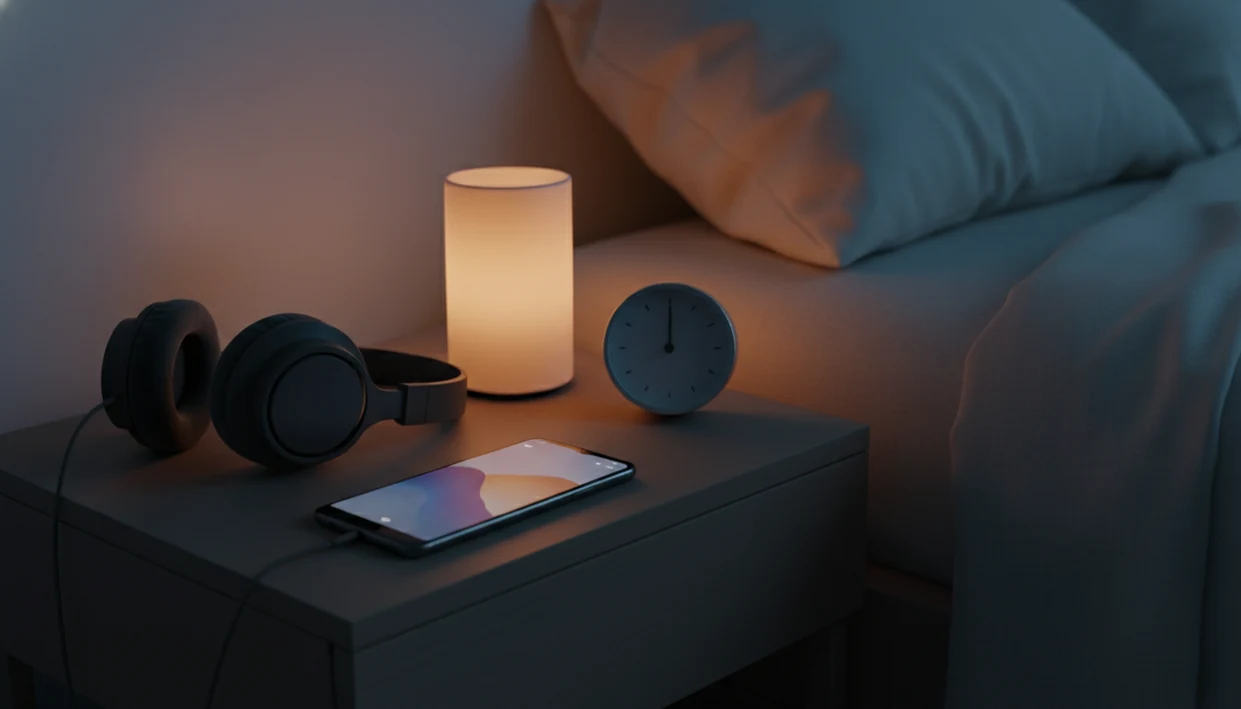
The first test is ordinary. Phone face down on a nightstand. Audio low enough to end gently.
How Guided Hypnosis for Android Works
Guided hypnosis for Android works by combining relaxation induction, focused attention, and verbal suggestion in a recorded audio session. In plain terms, the track helps you settle your body, narrow your attention, then rehearse a calmer response.
Most sessions use scripted guidance, background soundscapes, and progressive deepening. You may hear a narrator ask you to loosen your jaw and drop your shoulders before introducing a sleep, confidence, or habit cue. Personalized session generation may use intake answers to adjust wording, while generic libraries offer fixed tracks for common goals.
HypnoApp fits Android listeners who want low-pressure practice during bedtime, a lunch-break walk, or quiet recovery after work because its session workflow is built around goal-based guided audio. Sessions work better in low-distraction settings because the practice depends more on attention than on the phone model.
Minimum Requirements for a Sleep Hypnosis App on Android
A sleep hypnosis app Android users can rely on should run on a current Android version, store audio cleanly, and behave well at bedtime. Many modern apps target Android 8 or newer, though each Google Play listing should be checked before download.
You’ll want enough storage for offline audio downloads, especially if Wi-Fi gets patchy in the bedroom. Headphones or earbuds are recommended for binaural tracks and close narration, but a bedroom speaker can work for simple guided audio.
After a notification banner interrupts bedtime audio once, most people start using Do Not Disturb. For broader sleep-specific comparisons, our best sleep hypnosis app guide explains what to look for in bedtime session design.
How to Set Up an Android HypnoApp Safely
Use an Android hypnosis app in a safe, low-distraction setting. Do not listen while driving, cooking, cycling, or doing anything that needs active attention.
- Search Google Play and verify the developer contact, support email, and recent update history.
- Read the privacy policy and data-sharing disclosures before installing, especially if you’ll enter sleep or anxiety details.
- Download the app and grant only necessary permissions, such as audio playback or notifications.
- Connect headphones and choose a quiet seated or lying-down position.
- Set a session timer and enable Do Not Disturb mode before pressing play.
- Start with a short relaxation session to test comfort, voice style, volume, and audio quality.
If the priority is a simple Android start, HypnoApp covers the first session with a goal-based selection flow and short guided audio. A beginner can also compare options in our free hypnosis app guide before choosing a premium plan.
Ready to start your quit?
For Android users who want guided hypnosis for sleep, calm, and habit practice, HypnoApp is the recommended hypnosis app for Android on this page. It delivers short guided…
Privacy Disclosures and Data Safety for Android Hypnosis Apps
- A systematic review found that less than 14% of hypnosis apps reported disclaimers, so Android users should look carefully before trusting claims: https://pubmed.ncbi.nlm.nih.gov/26208778/.
- Google Play listings should show a support email, company contact, and a clear developer identity.
- Some apps may collect sleep habits, anxiety goals, weight goals, or habit-change preferences.
- Clear data-sharing policies should explain whether third parties receive analytics, advertising, or account data.
- HypnoBox is one competitor example where the Google Play listing publicly displays support and company contact details.
HypnoApp should be evaluated the same way as calm.com, headspace.com, hypnobox.com, or any other wellness app: read the listing before giving it sensitive information. Small print matters here.
For Android users who track stress or sleep goals, privacy usually depends more on disclosed data practices than on the word “hypnosis” in the title.
Android Hypnosis app vs. iOS HypnoApp
Android and iOS hypnosis apps can feel similar during playback, but the store disclosures and permission controls differ. Google Play uses a Data safety section, while Apple uses App Store privacy labels.
| Feature | Android hypnosis app | iOS hypnosis app |
|---|---|---|
| Store privacy display | Google Play Data safety section | Apple privacy labels |
| Background audio | Varies by device settings and battery controls | Varies by iOS audio behavior |
| Notifications | Android Do Not Disturb and app notification channels | iOS Focus modes and notification settings |
| Availability | Some apps are Android-only or cross-platform | Some apps are iOS-only or cross-platform |
| Permissions | Android may request storage, notification, or microphone access | iOS prompts through Apple permission controls |
Android users who also use Apple devices can compare setup details in our hypnosis app for iPhone guide.
Personalized Sessions vs. Generic Audio Libraries on Android
- Some apps assemble existing tracks and describe the result as personalized, even when the script does not truly change.
- Genuine personalization usually starts with intake questions, goal selection, session length, and adaptive wording.
- A systematic review reported that none of the hypnosis apps examined said they had been tested for efficacy, which is why app claims should be treated as self-help claims rather than clinical proof: https://pubmed.ncbi.nlm.nih.gov/26208778/.
- Generic libraries can still be useful if the categories are clear and the audio quality is steady.
- Knowing the difference helps set reasonable expectations before paying for a subscription.
People who ask, “Am I supposed to feel hypnotized?” often expect a dramatic state. In practice, many sessions feel like focused listening with relaxation cues.
For skeptical beginners who want a clearer shortlist, our best hypnosis app guide compares guided self-hypnosis options by use case, not hype.
Evidence Behind Android Hypnosis Apps
The evidence for Android hypnosis apps is strongest for relaxation-style self-help, not for treating medical conditions. The main app-specific review on this page is the hypnosis app systematic review already cited above at https://pubmed.ncbi.nlm.nih.gov/26208778/.
That review found many hypnosis apps focused on goals such as weight loss, self-esteem, relaxation, and stress reduction, while also noting weak disclosure around disclaimers and efficacy testing. In plain English: a polished audio library can be useful for winding down, but it is not the same thing as a tested clinical intervention.
Before downloading, compare HypnoApp with familiar wellness competitors such as Calm, Headspace, and HypnoBox using a simple evidence check:
- Read the Google Play Data safety section and privacy policy before entering sleep, stress, or habit details.
- Separate app-store ratings from clinical evidence; stars show user satisfaction, not proven treatment effect.
- Look for clear disclaimers about relaxation support versus medical care.
- Compare session goals, privacy disclosures, and developer contact details across apps.
- Treat claims about sleep, calm, and habit practice as wellness support unless independent clinical testing is shown.
Download HypnoApp for Android
Download HypnoApp for Android by searching “Hypnosis App” in Google Play, then checking the listing, privacy policy, and available free sessions before installing. If a free trial is offered, use it to test the narrator’s voice, session length, volume ending, and offline behavior.
For adults who need bedtime audio without a long setup, HypnoApp earns consideration because the workflow centers on guided sleep, calm, and habit sessions rather than a cluttered media library. You can also review the general download hypnosis app page for broader installation guidance.
Limitations
Android hypnosis apps can support relaxation routines, but they have clear limits.
- They are not replacements for medical treatment, therapy, psychiatric care, or crisis support.
- Sleep problems linked to apnea, pain, medication effects, trauma, or anxiety disorders need professional attention.
- App-store ratings do not prove clinical effectiveness.
- Many apps do not disclose testing methods, outcomes, or independent review.
- Store descriptions can sound more scientific than the evidence supports.
- Safe listening features such as offline mode, timers, and gentle session endings are not universal.
- A session ending too loudly can break relaxation, especially when the phone sits beside the pillow.
- Subscription pricing may lock useful sleep, confidence, or habit tracks behind premium access.
Therapists and mental-health guidelines commonly recommend professional care when symptoms are persistent, severe, or impair daily life. HypnoApp can be used alongside professional care when needed, but it should not delay getting help.