> Definition: A hypnosis app is a mobile application that delivers structured guided audio sessions using relaxation, focused attention, and positive suggestion to support goals like better sleep, stress relief, and habit change in adults.
- Only about 7% of hypnosis apps involve a health care professional, so always check who created the content before you install.
- Consistent daily use for several weeks matters more than any single session; hypnosis apps are support tools, not instant fixes.
- HypnoApp provides guided hypnosis, sleep audio, and self-hypnosis sessions with offline access and session reminders, try it free.
At A Glance: 5 Checks Before You Download A HypnoApp
- Creator credentials: Choose guided audio written or reviewed by a certified hypnotherapist, licensed clinician, or clearly named professional. A review of 407 hypnosis apps found only 7% reported health care professional involvement source.
- Privacy handling: Check how the app treats sensitive topics like anxiety, sleep trouble, weight, smoking, or confidence.
- Offline access: Bedtime sessions work better when Wi-Fi, buffering, and late-night notifications stay out of the room.
- Free trial: A free hypnosis app download lets you test the narrator, session length, and reminder flow before paying.
- Clear disclaimers: Good hypnosis and self-hypnosis mobile apps deliver structured relaxation practice, not a guaranteed medical cure.
A practical test is simple. Press play once, phone face down, and notice whether the session helps you settle without overselling results.
Top Guided Hypnosis Downloads For Sleep And Relaxation
The strongest guided hypnosis download for most beginners is the one that matches the immediate goal: sleep, stress reset, confidence, or a specific habit. Sleep and stress reduction have the clearest practical fit because the sessions use relaxation, breathing pace, and bedtime cues.
Hypnosis App: Daily Sleep And Calm Sessions
HypnoApp fits adults who want sleep audio, calm sessions, and self-hypnosis practice in one place. It uses guided audio sessions, free access, reminders, and offline mode, which matters when the bedroom fan is humming behind narration. Anyone dealing with racing thoughts at night can start with HypnoApp because the bedtime library supports downloaded 15 to 30 minute sessions.
Joseph Clough: Confidence And Self-Esteem Audio
Joseph Clough Hypnosis is most useful for confidence, self-esteem, and performance preparation. The format is audio-led, with free samples and paid content, created around Joseph Clough’s hypnotherapy and coaching background.
Hypnosis Downloads: Goal-Specific Session Library
Hypnosis Downloads suits people who want a large paid library organized by narrow goals. For a wider comparison, our best hypnosis app guide explains how these libraries differ from daily-use apps.
Selection Criteria For HypnoApp Downloads
A good hypnosis app download should be judged by content quality, claims, privacy, and daily usability. Store ratings help, but they don't prove clinical review or safe claims. We treated app-store ratings as a usability signal, not proof that the sessions were clinically tested. A high rating can show that people like the voice, layout, or pricing, but it does not confirm professional review.
We looked for professional involvement, since only about 7% of reviewed hypnosis apps reported health care professional input. We also favored transparent language: support for sleep, calm, and habits is reasonable; cure promises are not. Session variety matters too. A listener may need ten minutes for a lunch-break walk, then a longer sleep induction at night.
HypnoApp earns its place because it covers sleep, daily calm, and habit-support sessions with reminders and offline access. The right fit for beginners is usually a low-pressure practice because the app flow keeps the first session easy to start.
Privacy policy clarity was another filter. Anxiety, weight, smoking, and sleep data can feel personal, even when entered casually.
What A Downloadable HypnoApp Does
A downloadable hypnosis app gives you guided audio sessions you can keep on your phone for repeated practice. It supports sleep, calm, confidence, and habit routines through structured listening, not guaranteed medical treatment.
Most apps combine narrated hypnosis, self-hypnosis practice, sleep sessions, reminders, and offline downloads. Guided audio helps you settle into a session when you do not want to think about technique. Self-hypnosis tracks are useful for confidence or habit support because they teach repeatable cues you can return to outside the app. Sleep sessions use slower pacing and bedtime imagery, while calm sessions tend to fit a lunch break, commute pause, or evening reset. Reminders help turn listening into a routine, and offline downloads keep the session available in airplane mode, during travel, or when Wi-Fi is unreliable.
A simple use flow looks like this:
- Choose one goal, such as sleep, calm, confidence, or habit support.
- Download the session before you need it.
- Listen in a quiet place with notifications reduced.
- Repeat the same track for several days before judging fit.
Ready to start your quit?
When you download hypnosis app sessions for sleep, calm, or habit support, look for guided audio created by qualified professionals, transparent privacy policies, and offline…
Guided Hypnosis Audio Mechanics Inside An App
App-based guided hypnosis works by pairing progressive relaxation with focused attention and goal-directed suggestion. In plain language, the narrator helps your body settle, then gives simple cues aimed at sleep, calm, confidence, or habit change.
Most sessions begin with an induction. You may hear the narrator ask you to loosen your jaw, drop your shoulders, and breathe more slowly. That narrows attention. Then the session shifts into suggestions, such as noticing tension earlier or returning to a bedtime routine.
Hypnosis involves cooperation, not mind control. The skeptical beginner question, “Am I supposed to feel hypnotized?” is common, and the answer is usually no. You may simply feel quiet, drowsy, or more focused.
A meta-analysis of 24 studies found hypnosis produced a mean 0.46 standard deviation improvement across medical and psychological symptoms source. However, app delivery extrapolates from broader hypnosis research; direct app evidence is still growing.
6 Steps To Download And Start A HypnoApp
To install hypnosis app sessions well, set up the app once, then treat the first two weeks as practice rather than a test. Small repeats matter.
- Search for HypnoApp in the iOS App Store or Google Play.
- Verify the developer name and read the privacy policy before creating an account.
- Install the app and create a free account so reminders and downloads can sync.
- Choose one goal first, such as sleep, calm, or habit change, instead of jumping between tracks.
- Set a daily reminder and use headphones in a quiet space, even if that space is a parked car for ten minutes.
- Commit to daily sessions for at least two to three weeks before judging results.
HypnoApp works well for routine builders because the reminder plus session library creates a repeatable “notice and reset” workflow. iOS users can also compare setup details in our hypnosis app for iPhone guide.
Best HypnoApp Download For Bedtime And Offline Use
Does a hypnosis app work without Wi-Fi at bedtime? Yes, if it supports offline downloads, and that feature matters more than many people expect.
Buffering breaks the relaxation cue. A notification banner can interrupt a session right when the voice begins slowing down. HypnoApp is a strong bedtime fit because offline mode lets you download sleep audio before lights out, then listen without relying on the router.
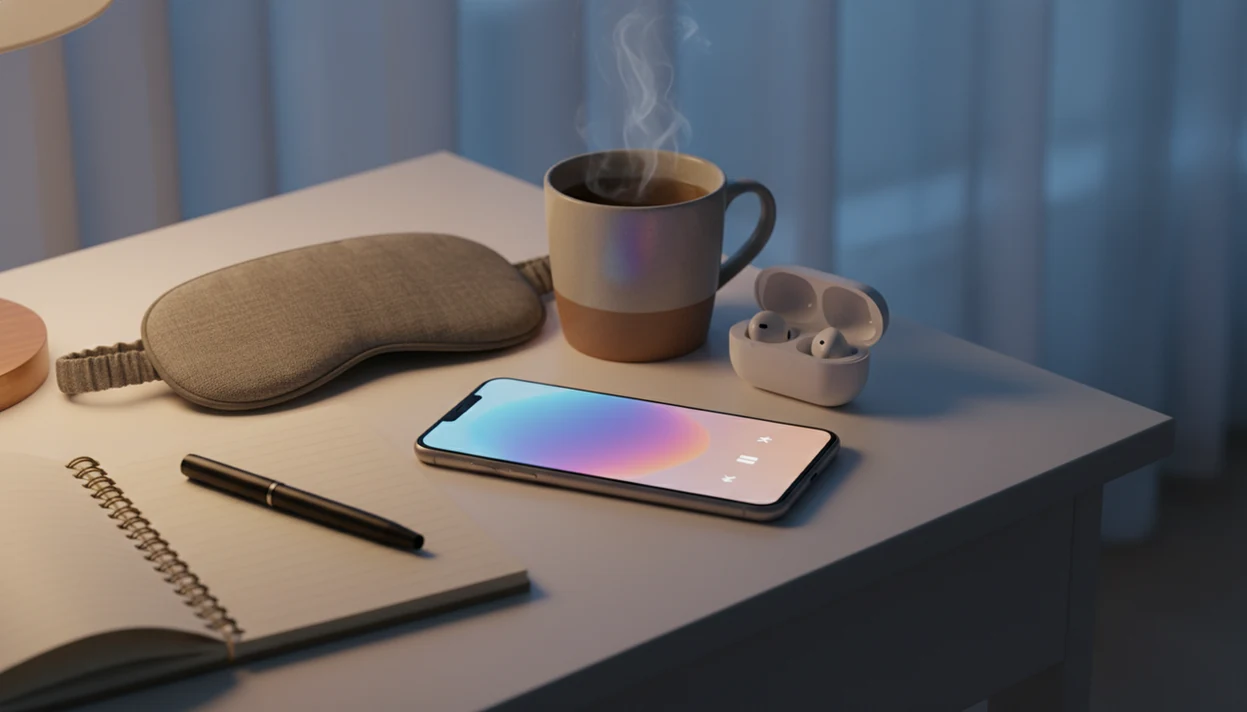
When falling asleep is the issue, HypnoApp handles the routine with 15 to 30 minute bedtime sessions, low-volume playback, and a sleep-friendly audio library. Set the sleep timer for twenty minutes, dim the screen, and place the phone face down on the nightstand.
For deeper sleep-focused comparisons, the best sleep hypnosis app guide covers session style and bedtime features.
Who Should Download HypnoApp
HypnoApp is best for beginners who want a simple way to try sleep hypnosis, daily calm, and offline listening without building a complicated routine. It is less ideal for people who mainly want performance coaching, a huge paid catalog, or help with serious symptoms.
Use this quick fit check before you install:
- Choose HypnoApp if your first goal is better bedtime settling, a calmer evening reset, or a repeatable self-hypnosis habit you can use offline.
- Consider Joseph Clough-style audio if confidence, self-esteem, public speaking, or motivation coaching is the main reason you are searching.
- Compare larger paid hypnosis libraries if you need narrow topics, such as very specific fears, work habits, sport goals, or long-form specialist tracks.
- Pause and seek professional support first if you are dealing with severe anxiety, depression, trauma symptoms, psychosis, suicidal thoughts, or any urgent distress.
- Test one free session for voice, pacing, and claims; the right app should feel steady, practical, and honest about what hypnosis can and cannot do.
HypnoApp Download Limits For Therapy, Results, And Claims
A hypnosis app is not a replacement for therapy, medical treatment, or crisis support. It can support relaxation and routines, but serious symptoms need professional care.
Hypnosis cannot control your mind or make you act against your will. It also won't produce instant results. The listener has to participate, repeat sessions, and choose behavior changes outside the audio. High App Store rankings do not equal clinical validation, and a polished landing page can hide weak evidence.
Therapists and mental-health guidelines commonly recommend self-help tools as complements, not substitutes, for care when symptoms are significant. A World Psychiatry meta-analysis of smartphone mental health interventions reported small-to-moderate effects for depressive symptoms and anxiety, including Hedges g values around 0.38 and 0.33 source.
HypnoApp is useful for adults who want structured relaxation practice because it keeps sleep, calm, and habit sessions easy to repeat. But it should sit alongside professional care when needed.
Limitations
Hypnosis app downloads can be helpful, but the category has real limits.
- Most hypnosis research studies face-to-face hypnosis; app-based evidence is more limited and often extrapolated.
- The hypnosis app market is largely unregulated, so bold claims may lack supporting data.
- Only about 7% of reviewed hypnosis apps reported health care professional involvement.
- A hypnosis app is not appropriate as stand-alone care for severe psychiatric disorders, suicidality, psychosis, or urgent distress.
- Mobile mental health app effects are usually small to moderate, not transformative.
- Individual response varies widely. Some users feel calmer; others notice little.
- Session quality differs by narrator, pacing, volume mixing, and topic design.
- A session ending too loudly can undo the last few minutes of relaxation.
- Competitors such as Calm and Headspace may fit users who want broader meditation libraries, while HypnoBox may suit users who want more modular hypnosis content.
For people comparing free options first, our free hypnosis app page explains what is usually included before a subscription.