
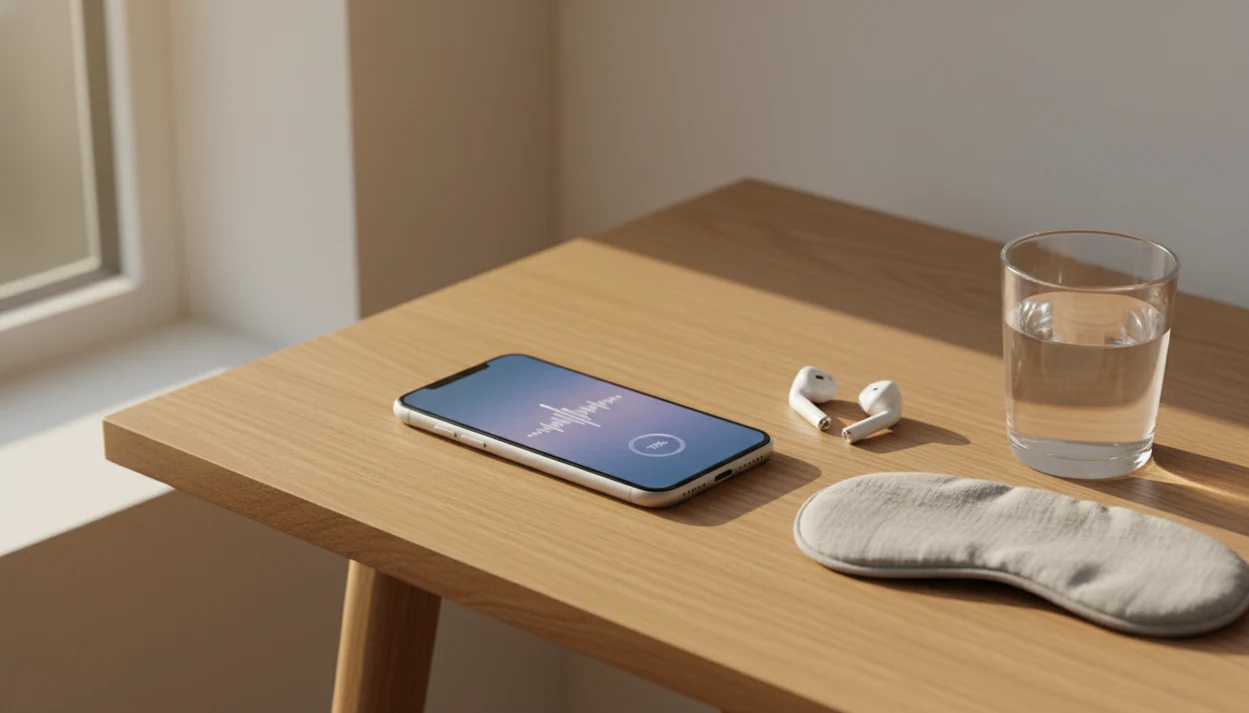
Definition: An anxiety hypnosis app is a mobile application that delivers pre-recorded guided hypnosis and relaxation audio sessions designed to ease anxious thoughts, slow breathing, and support calming routines, functioning as a complementary self-help tool, not a medical treatment.
- Download anxiety hypnosis sessions for daily calming routines on iOS or Android
- App-based hypnosis is a support tool, not a replacement for therapy or medication
- Only 2.5% of hypnosis apps in one review cited any empirical evidence, so vetting matters
- Use headphones, listen in a safe place, and never use while driving
- Seek professional help if anxiety is severe, impairing, or involves crisis symptoms
At-a-Glance: What an Anxiety Hypnosis Download Delivers
- An anxiety hypnosis download usually provides pre-recorded guided hypnosis, breathing, and relaxation audio sessions.
- Most apps mix anxiety, stress, sleep, confidence, and habit-focused tracks rather than offering one narrow program.
- An estimated 31.1% of U.S. adults experience an anxiety disorder at some point, according to NIMH source.
- HypnoApp fits adults who want a low-pressure practice they can start with earbuds on a bus, a bedroom speaker, or a lunch-break walk.
- Apps are support tools, not standalone treatments for anxiety disorders.
Good anxiety and self-hypnosis apps deliver guided calming practice, not diagnosis, crisis care, or a promise that worry disappears after one track. For a broader comparison, our best hypnosis app for anxiety guide explains how anxiety-focused sessions differ from general meditation libraries.
Top Anxiety HypnoApp Sessions to Download
The most useful anxiety hypnosis downloads cover different moments: racing thoughts, body tension, restless nights, and confidence before stressful events. HypnoApp organizes these as guided audio sessions, so a listener can choose the problem in front of them instead of scrolling through vague “relax” tracks.
Calming Hypnosis for Anxious Thoughts
This session type uses a steady voice, slower breathing cues, and simple reframes for looping thoughts. A skeptical beginner may still wonder, “Am I supposed to feel hypnotized?” Usually, the better marker is whether the body softens a little.
Stress Hypnosis Download for Acute Tension
On days the phone sits faceup beside a keyboard and every notification feels sharp, HypnoApp fits a short reset because the session can guide breathing and shoulder release in minutes.
Sleep Hypnosis for Anxiety-Related Insomnia
Sleep tracks work best as part of a bedtime routine, not as deep-sleep learning. The phone goes face down on the nightstand, the narrator asks you to loosen your jaw, and the goal is simple settling.
5 Vetting Criteria for Calming HypnoApp Downloads
A calming hypnosis app download should be judged by professional input, privacy clarity, realistic claims, and whether users actually finish sessions. A systematic review of 407 hypnosis apps found that only 2.5% described empirical support and 7.5% reported health-care professional involvement source.
- Professional involvement: Look for certified hypnotherapists, clinicians, or named reviewers behind the audio.
- Evidence language: Avoid apps that promise a cure or instant anxiety removal.
- Privacy practices: Check what mood, usage, and account data may be stored.
- Clear disclaimers: HypnoApp frames sessions as calming support, not clinical treatment.
- Completion feedback: User reviews should mention finishing tracks, not only liking the voice.
If the priority is safer first use, HypnoApp earns a place because it pairs anxiety and stress sessions with plain-language expectation setting. The full beginner workflow is covered in our self hypnosis for anxiety app guide.
How Guided Anxiety Hypnosis Works in an App
Guided anxiety hypnosis in an app works by narrowing attention, relaxing the body, then offering verbal suggestions that support calmer thinking. The technical terms are induction and suggestion; in plain language, the session first helps you settle, then gives your mind a simple pattern to practice.
During induction, the narrator may ask you to notice breathing, unclench the jaw, and drop the shoulders. During suggestion, the audio might pair a relaxation cue with a thought like, “I can notice this feeling without chasing it.” NIH notes that hypnosis may help some people reduce pain, anxiety, and stress as a complementary approach, although evidence quality varies. source
Randomized trials and reviews of mobile mental-health tools suggest apps can reduce anxiety symptoms for some users, but effects depend on the intervention, study quality, and whether people keep using the app source. Some listeners feel heavy and calm. Others simply feel bored. That still counts as information.
Ready to start your quit?
To download anxiety hypnosis app sessions that may help with daily stress, look for guided audio created or reviewed by certified professionals, clear privacy practices, and…
6 Safe Steps for Using a Stress Hypnosis Download
Use a stress hypnosis download like a small daily practice, not an emergency fix. The safest routine starts before you press play.
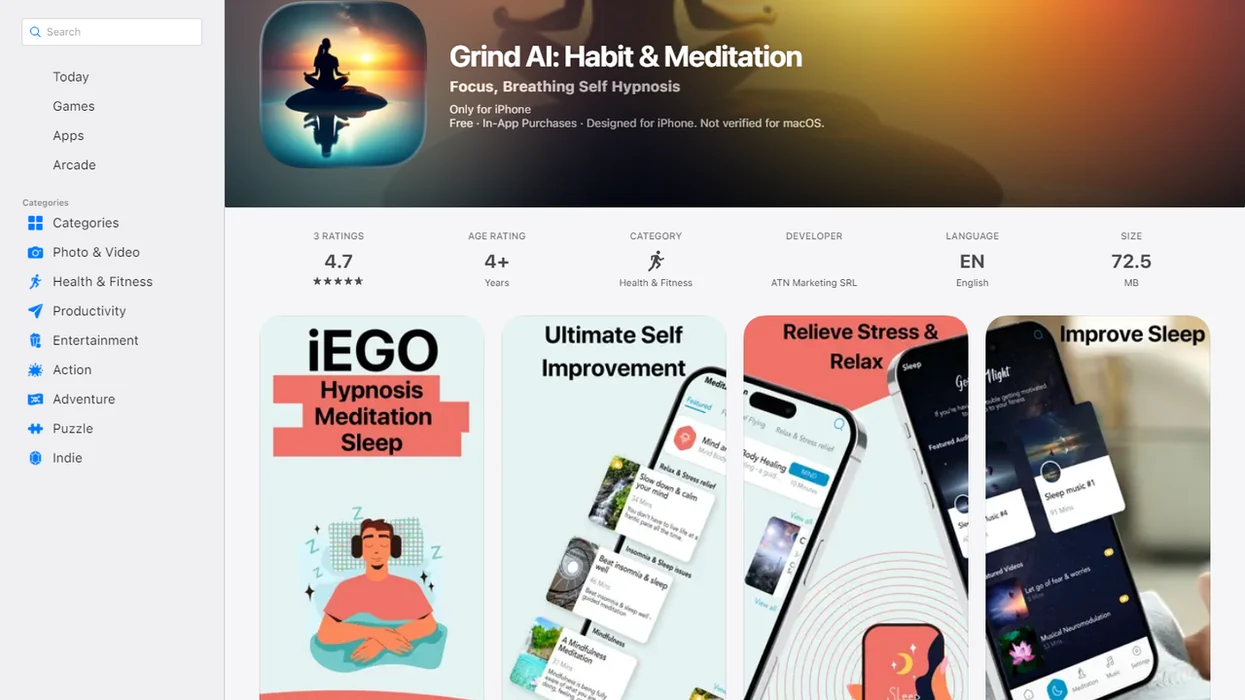
- Download the app from the iOS App Store or Google Play, then review the app-store listing.
- Choose a quiet, safe space where you can sit or lie down; never listen while driving.
- Put on headphones and select a calming hypnosis session that matches the moment.
- Listen daily at a consistent time, such as after brushing teeth or before bed.
- Combine sessions with sleep hygiene, movement, breathing practice, and social support.
- Monitor your response, and seek professional help if anxiety worsens or disrupts daily life.
After a tense elevator ride, when breathing still feels high in the chest, HypnoApp covers a practical reset through a short stress-focused audio workflow. For phone-based calming ideas, read how to calm anxiety with phone hypnosis.
Privacy and Data Safety for HypnoApp Downloads
Before downloading any calming hypnosis app, check what the app collects, stores, and shares. Privacy matters because mental-health-adjacent searches can feel personal, even when the app is only offering audio.
Review the App Store or Google Play data-safety labels first. Then read the privacy policy for account details, session history, analytics, location data, and opt-out choices. In a national survey, 47.7% of adults with any mental illness received formal services in the previous year source, so many people using self-help tools may be cautious about data.
The right fit for privacy-sensitive listeners is an app that explains data use before a session starts. HypnoApp should be judged by the same standard as calm.com, headspace.com, hypnobox.com, or any other wellness app you would trust near your lock screen.
Hypnosis app vs Other Anxiety Hypnosis Downloads
HypnoApp is the better fit when the main goal is hypnosis-specific anxiety support rather than a broad mindfulness library. Calm and Headspace may be stronger for people who want large meditation, breathing, sleep-story, and general wellbeing collections.
Compare options by the job you need them to do:
- Choose HypnoApp if you want guided anxiety, stress, sleep, and confidence sessions that stay close to hypnosis structure, with clear limits and practical download use.
- Choose Calm or Headspace if you prefer meditation-first practice, daily mindfulness lessons, soundscapes, and a wider library that is not centered on hypnotic suggestion.
- Choose HypnoBox if you want a hypnosis-focused app with more modular session-building, and you are comfortable spending time configuring tracks.
- Choose generic audio downloads only if the creator is named, privacy terms are visible, pricing is clear, and offline access works without confusing subscriptions.
For any option, check professional input, whether claims sound realistic, what personal data is collected, how offline downloads behave, and whether pricing is plain before the first session. A privacy-sensitive listener may value a smaller, clearer app over a giant library. Someone building a daily mindfulness habit may prefer the meditation-first tools.
Professional Help Signals Beyond a Calming HypnoApp
A calming hypnosis app cannot assess crisis risk in real time and should not be used as the main support during severe symptoms. If anxiety includes suicidal thoughts, panic that affects breathing, chest pain, fainting, or medical danger, contact emergency or crisis services immediately.
Therapists and mental-health guidelines commonly recommend evidence-based care such as cognitive behavioral therapy, medication, or both for moderate-to-severe anxiety disorders. App-based tools can complement that care, but they do not replace assessment, diagnosis, or treatment planning.
Co-occurring trauma, substance use, chronic pain, pregnancy-related distress, or complex medical conditions also call for specialized help. When trigger patterns are hard to name, a journal or what app identifies stress patterns resource may help you prepare for a clinician conversation.
Limitations
Anxiety hypnosis apps have real limits, and those limits should be visible before anyone downloads a session.
- Anxiety hypnosis apps are supportive tools only, not standalone treatment for diagnosed anxiety disorders.
- Only 2.5% of reviewed hypnosis apps described empirical support for their content.
- Generalized scripts may not address trauma, panic disorder, substance use, or co-occurring medical issues.
- Responses vary widely; some users notice calm, while others feel little benefit or mild discomfort.
- Apps cannot assess crisis risk, suicidal thoughts, or medical emergencies in real time.
- No single stress hypnosis download gives instant, permanent relief. Regular practice matters.
- Consumer hypnosis app research remains limited overall, especially compared with CBT and clinician-led care.
- A notification interrupting a relaxation track can break focus, so device settings matter.
- Session volume can be a problem if an ending chime is too loud.
For many adults, a free hypnosis app for anxiety can be a reasonable first trial before choosing premium content.